A full Writing course
Every Task 2 question type, Academic charts, maps and processes, General Training letters, and 39 grammar lessons with self-check quizzes.
A complete IELTS Writing course in your pocket: lessons read aloud, drills that explain every answer, Band 9 sample essays and an exam-style writing studio. When you want a grade, YouWrite hands your essay to the AI you already use.


For Academic and General Training. Explore everything free for 24 hours.
Your AI can grade an essay. It can't run a course, drill you every day or make new words stick. That's what YouWrite does.
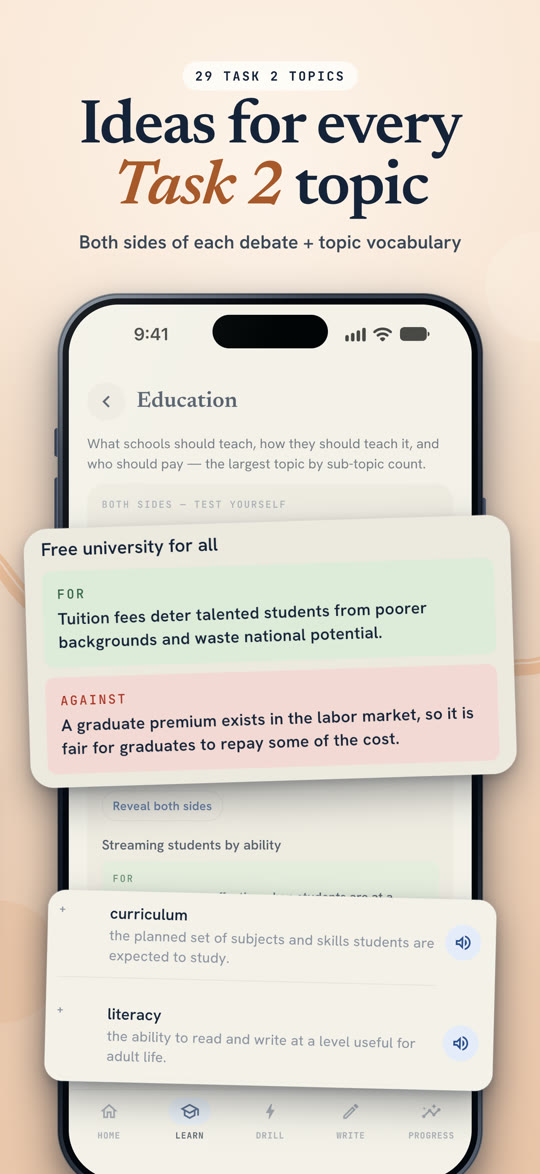
Every Task 2 question type, Academic charts, maps and processes, General Training letters, and 39 grammar lessons with self-check quizzes.
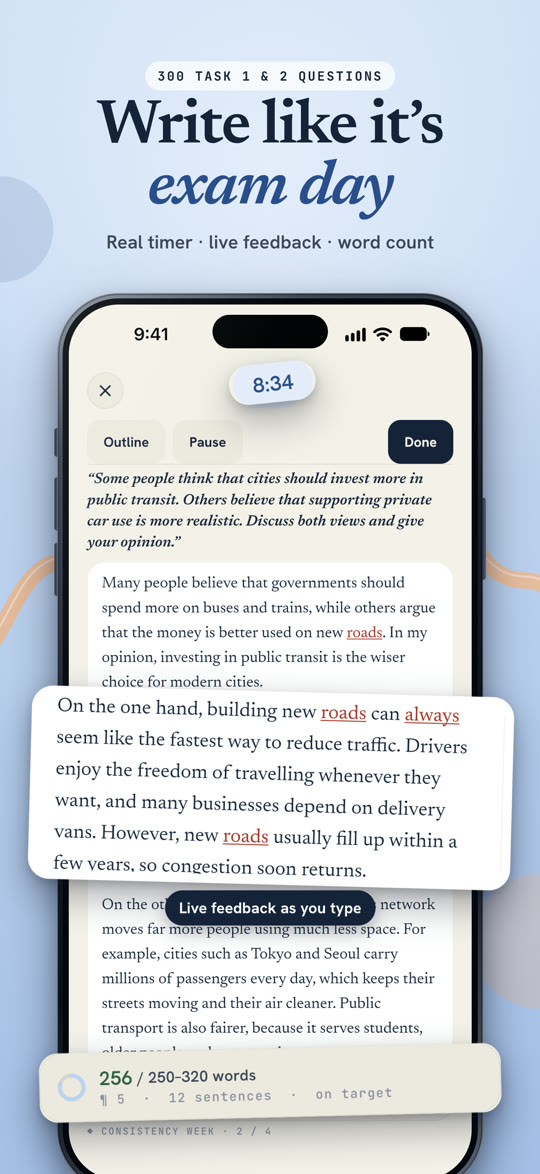
300 exam-style questions, a timer, live feedback and a word count. Mock mode adds an exam-length timer and an invigilator voice.
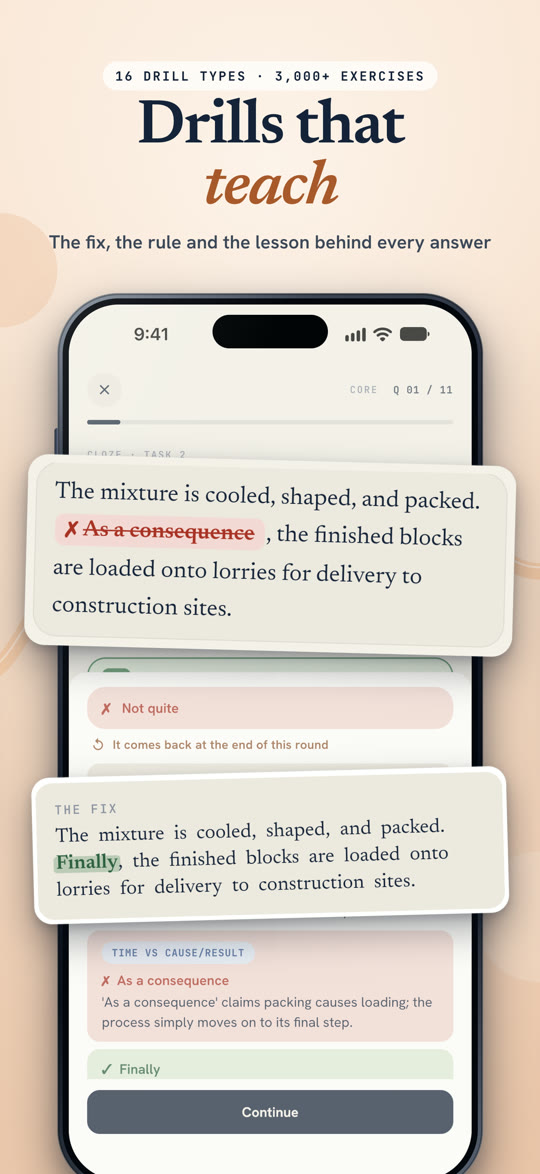
16 drill types for paraphrasing, linking words, error spotting and Task 1 trends. Missed questions come back, and the level adapts to you.
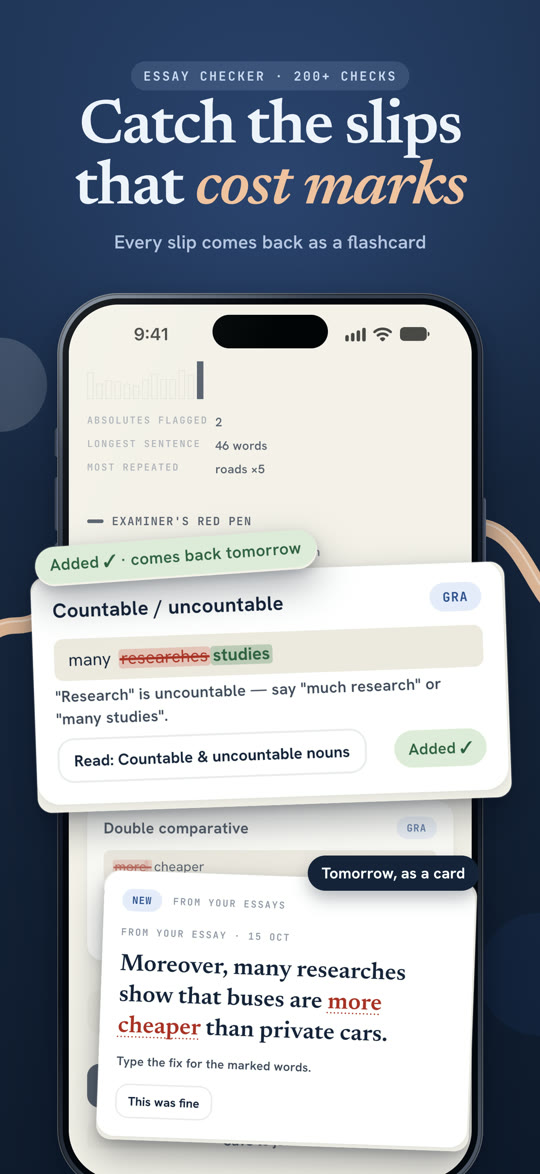
After each essay, 200+ checks for common grammar and vocabulary slips. Every slip you make comes back later as a flashcard.
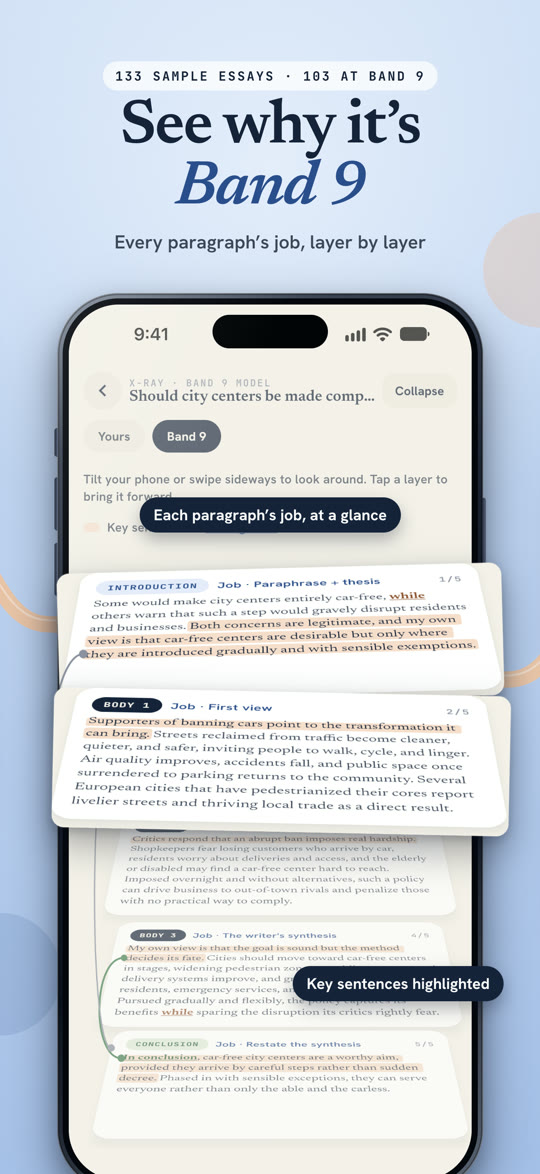
133 sample answers with examiner-style notes, an X-ray of each paragraph's job, and Band 9 and Band 6 side by side.
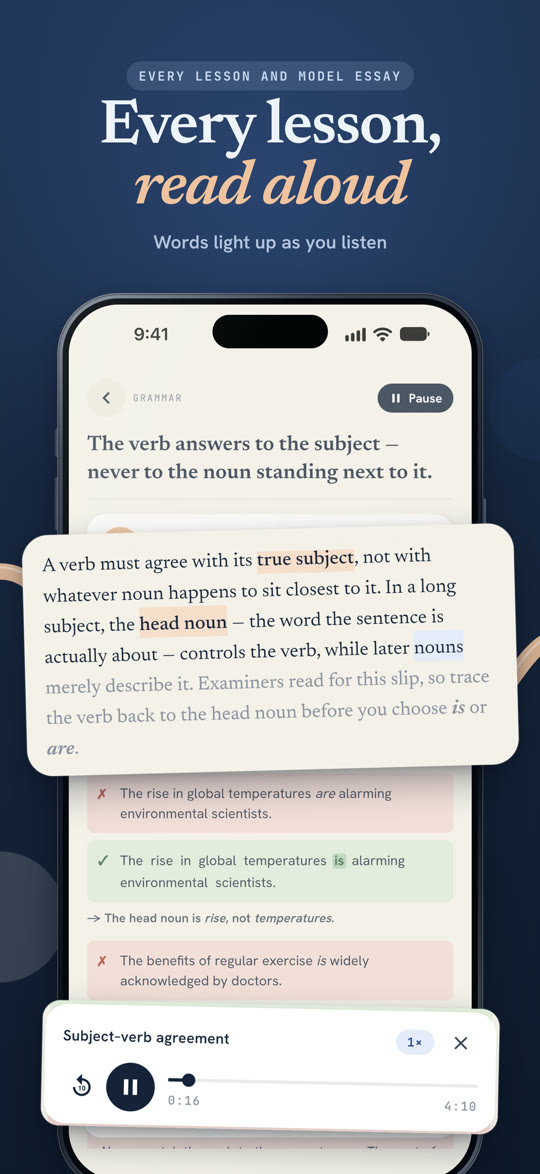
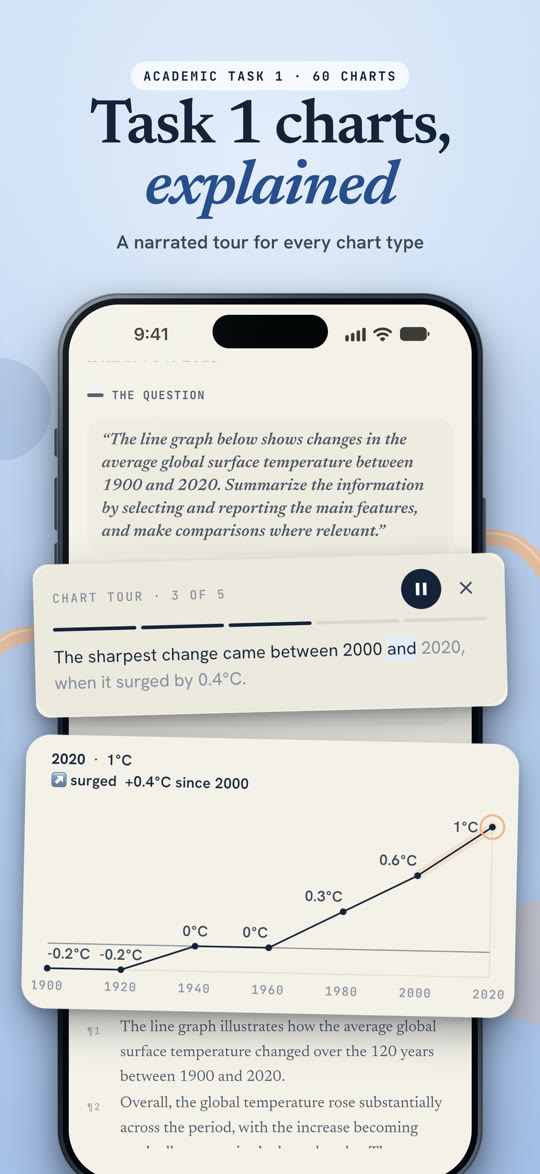
Lessons, model essays and chart tours are narrated, with words lighting up as you listen. Audio for 1,600+ words and phrases.
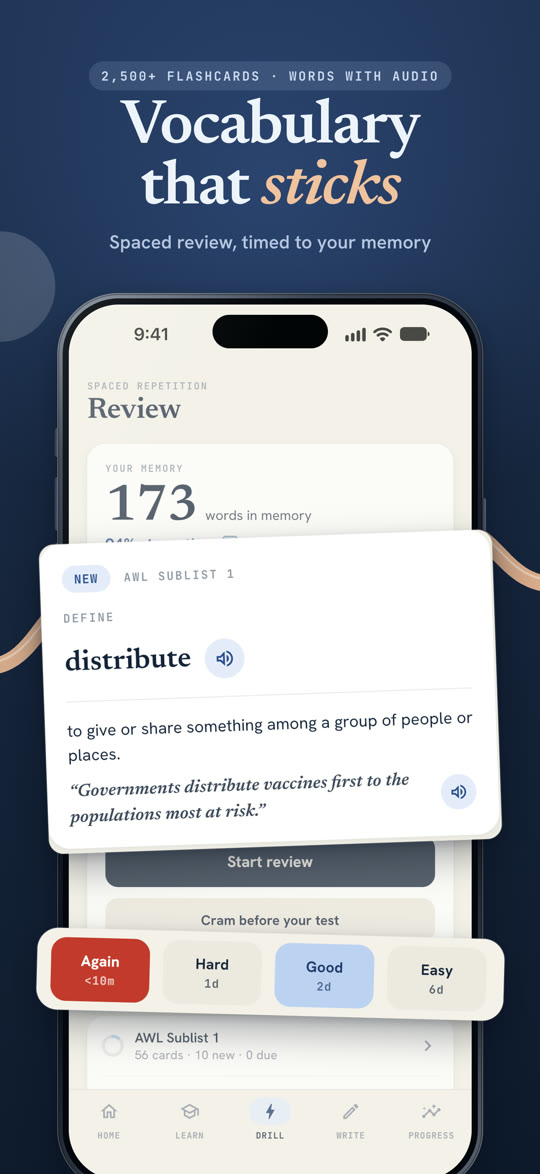
2,500+ flashcards for academic words, collocations and linking language, timed to your memory, with typed answers.
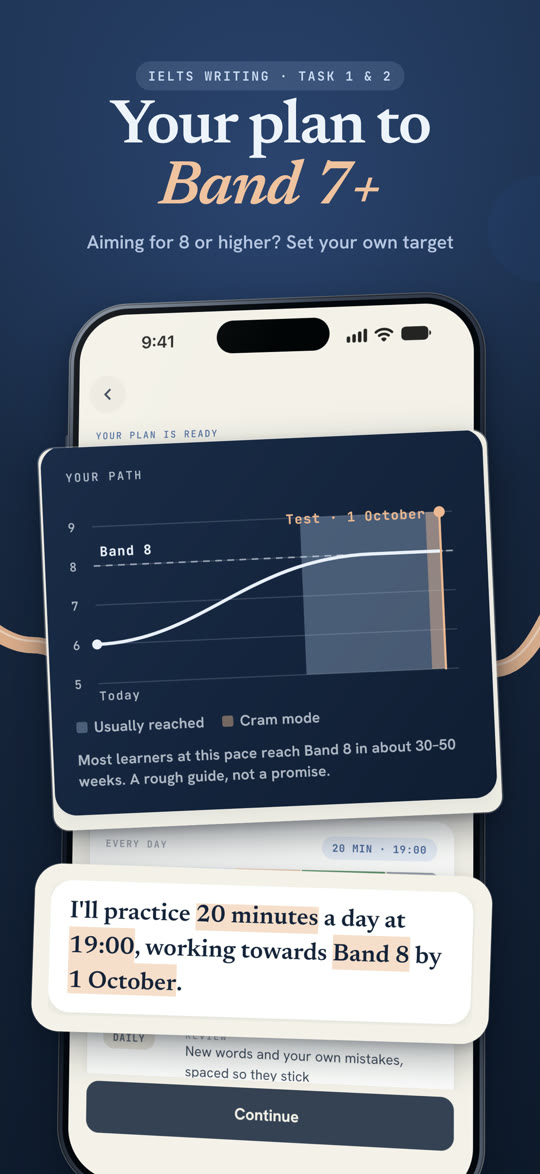
Set your target band, test date and weak spots, and get a daily plan with reminders, streaks and weekly progress reviews.
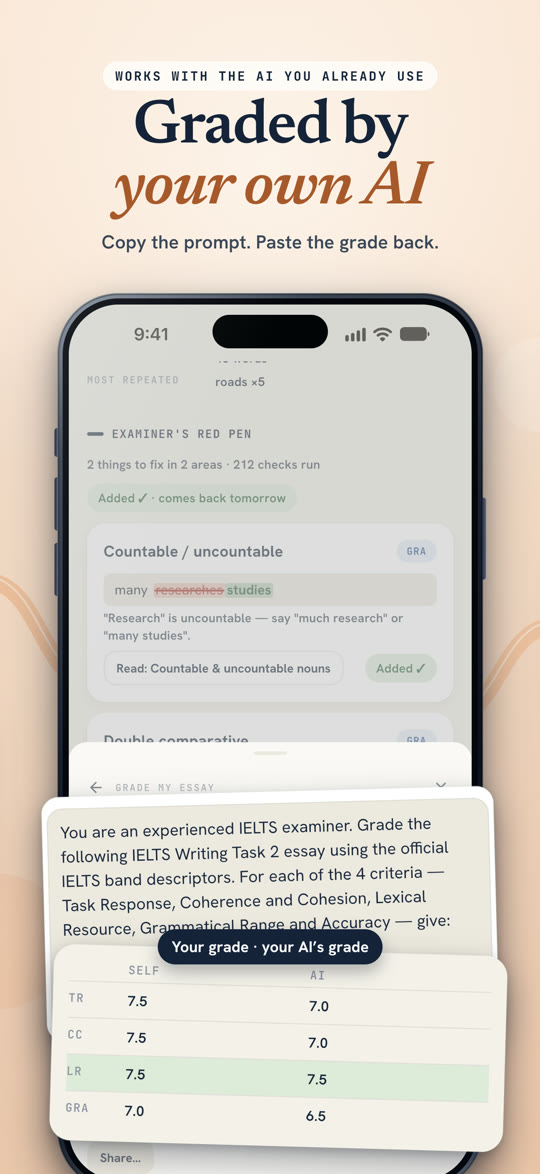
YouWrite has no AI inside. It prepares the prompt; the AI assistant you already use (ChatGPT, Claude, Gemini or another) does the grading.
Answer a Task 1 or Task 2 question in the studio, timed like the real exam.
One tap copies an examiner-style prompt with the band descriptors and your essay. Paste it into your AI.
YouWrite reads the band scores, compares them with your own assessment and turns the fixes into flashcards.
Your writing stays yours. YouWrite never sends your essays anywhere. You decide what to paste into your AI.
Essays, review history, progress and settings are stored on your phone. There is no account, sign-in or server of ours. Lessons, drills and the writing studio work offline.
RevenueCat manages subscriptions on both platforms. The Android app also uses Firebase Crashlytics and Analytics; the iPhone app uses neither. No essays or writing are shared with them. Read the Privacy Policy.
For a question about your subscription, include your Support ID. You'll find it in the app under Settings → Membership.
Open Settings → Membership in the app and tap Restore purchases. Make sure you're signed in to the same Apple Account or Google account you subscribed with. If that doesn't help, email us your Support ID.
On the old phone, go to Settings → Data → Export all data and save the file. On the new phone, go to Settings → Data → Import all data. Your subscription comes back with Restore purchases.
Settings → Data → Factory reset erases your essays, decks, settings and streak on this phone. Uninstalling the app deletes everything too. We hold no copy, because nothing is stored on our side.
The read-aloud voice is a one-time download of about 560 MB. Tap Download on the Voice pack card in Learn, ideally on Wi-Fi.